
OIA Chrome Extension
 Edge Add-on
Chrome ExtensionEdge Add-onChronicle
Silently records your Gemini, Claude & ChatGPT chats to a local database. Search, star, and export to Markdown or JSON. 100% local.
Chrome ExtensionEdge Add-onSilently records your Gemini, Claude & ChatGPT chats to a local database. Search, star, and export to Markdown or JSON. 100% local.
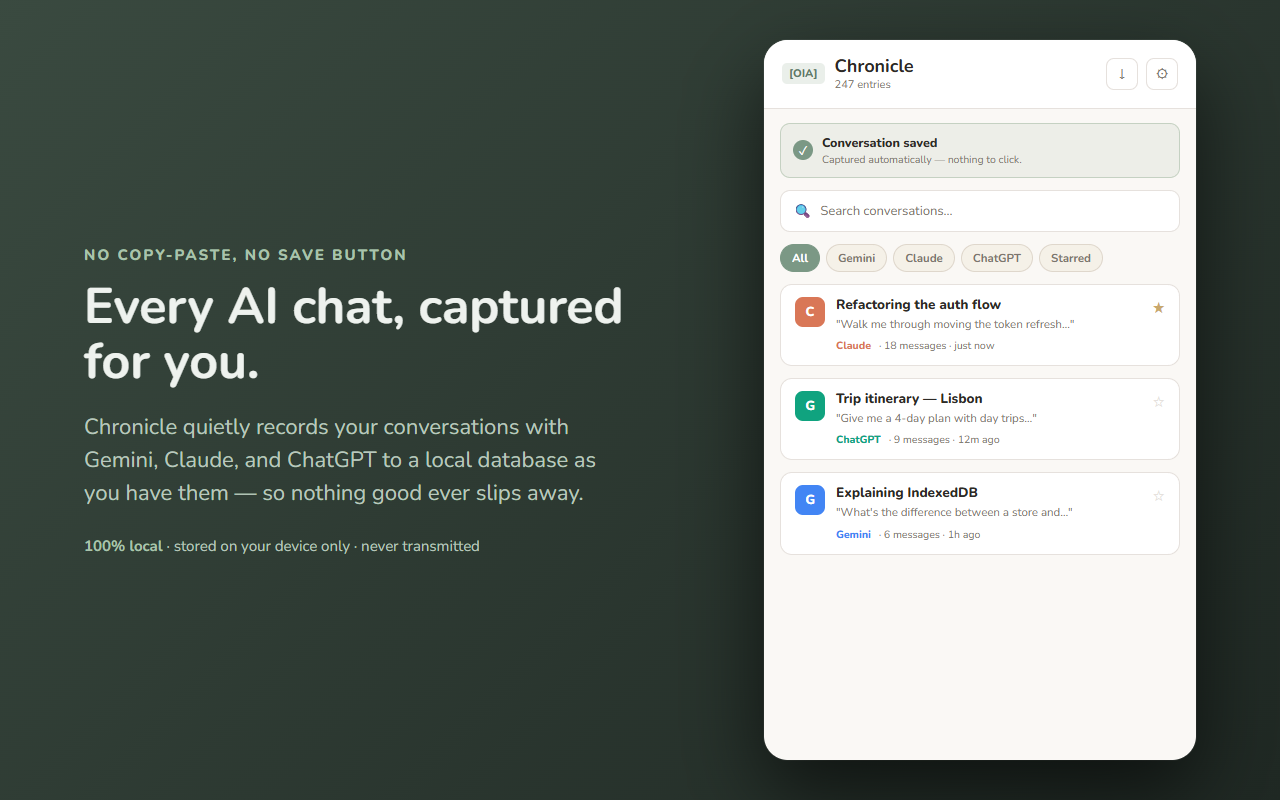
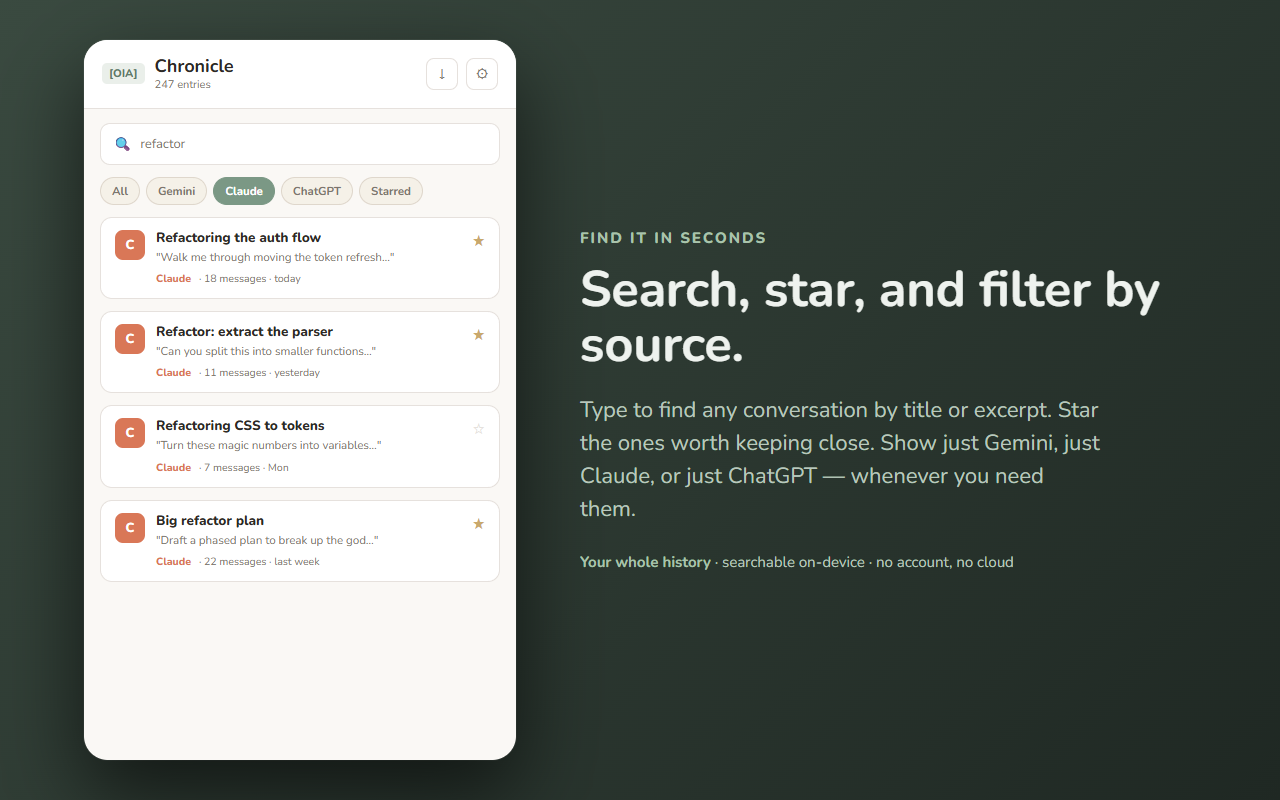
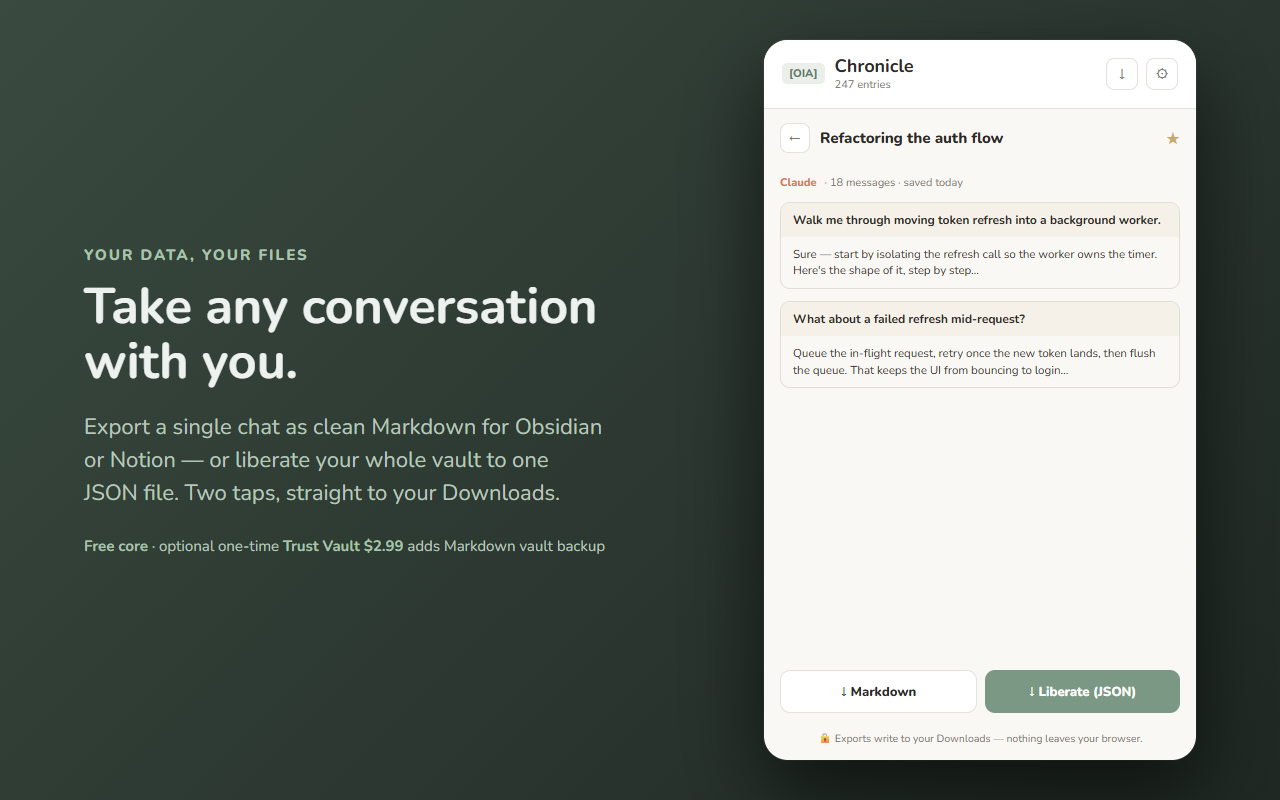
Your AI conversations, kept — quietly, and only on your device.
Chronicle silently records your chats with Gemini, Claude, and ChatGPT to a local database as you have them. No copy-pasting, no "save" button to remember. Open the side panel whenever you want to find what you asked and what came back — then take any conversation with you as a clean Markdown or JSON file.
Everything stays in this browser. No account, no cloud, no sync, no ads, no tracking. Chronicle has no server and sends your conversations nowhere.
Chronicle captures from exactly three providers: Google Gemini, Anthropic Claude, and OpenAI ChatGPT. You can toggle each one on or off in Options — nothing else is touched.
Every core feature is free forever: silent capture from all three providers, search, star, filter, per-conversation Markdown export, single-message export, and the full-vault JSON "Liberate" export. No metering, no limits.
One optional one-time unlock — the Trust Vault (paid once, yours forever, zero subscriptions) — adds a Markdown vault-folder backup: one .md per conversation in an Obsidian-friendly folder layout, bulk export by filter, and scheduled snapshots. The app is identical either way; you never lose access to your data.
Your conversations live only in this browser, in a local IndexedDB database. Chronicle has no backend and transmits nothing — capture, storage, search, and export all happen on your machine. The only page access it uses is reading the conversation already on your screen at the three assistant sites above, so it can record it locally. See exactly what moves in the data-flow diagram above.
Built by 864zeros — local-first, privacy-first Chrome tools.