
OIA Chrome Extension
 Edge Add-on
Chrome ExtensionEdge Add-onDataNap — vault your tabs & deep-sleep the rest
Vault open tabs to a local list you can reopen, and deep-sleep idle tabs to free RAM. 100% local. A OneTab-style tab manager.
Chrome ExtensionEdge Add-onVault open tabs to a local list you can reopen, and deep-sleep idle tabs to free RAM. 100% local. A OneTab-style tab manager.
Close the tab pile without losing your place — and get your RAM back.
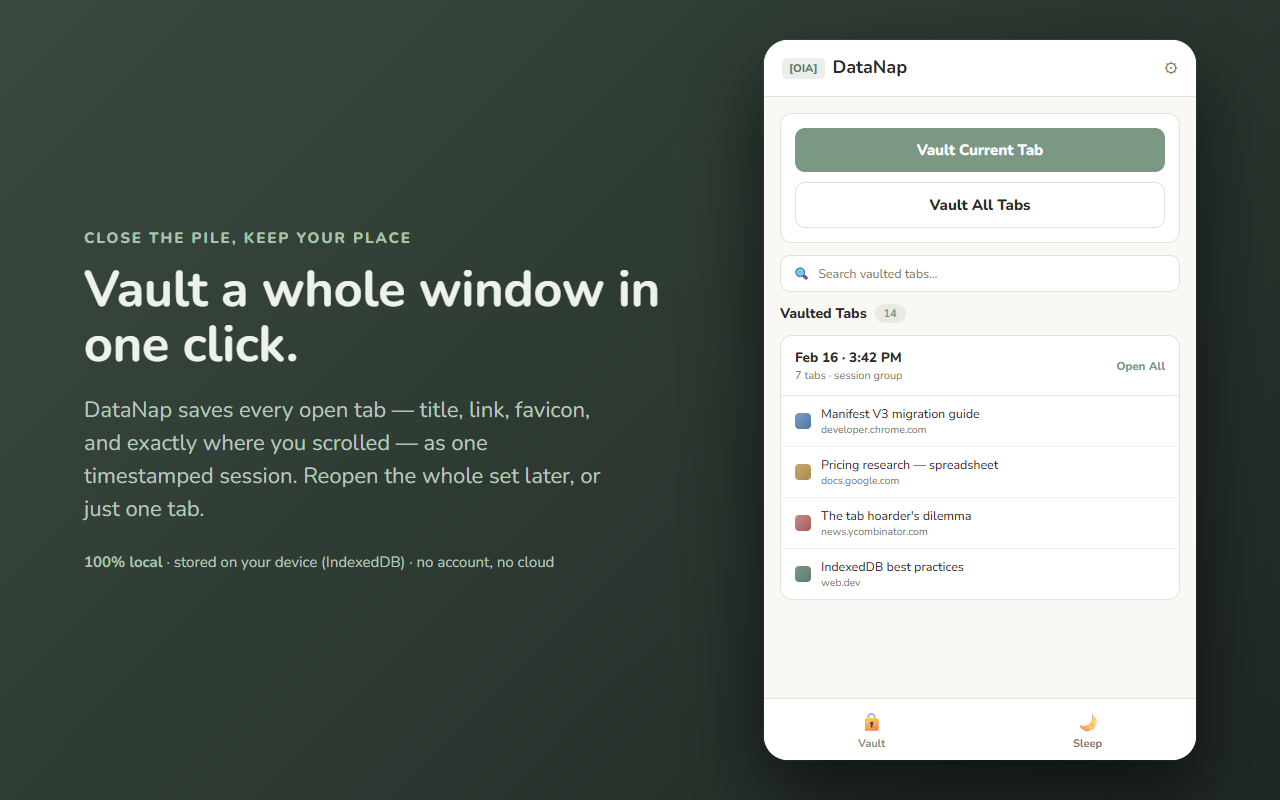
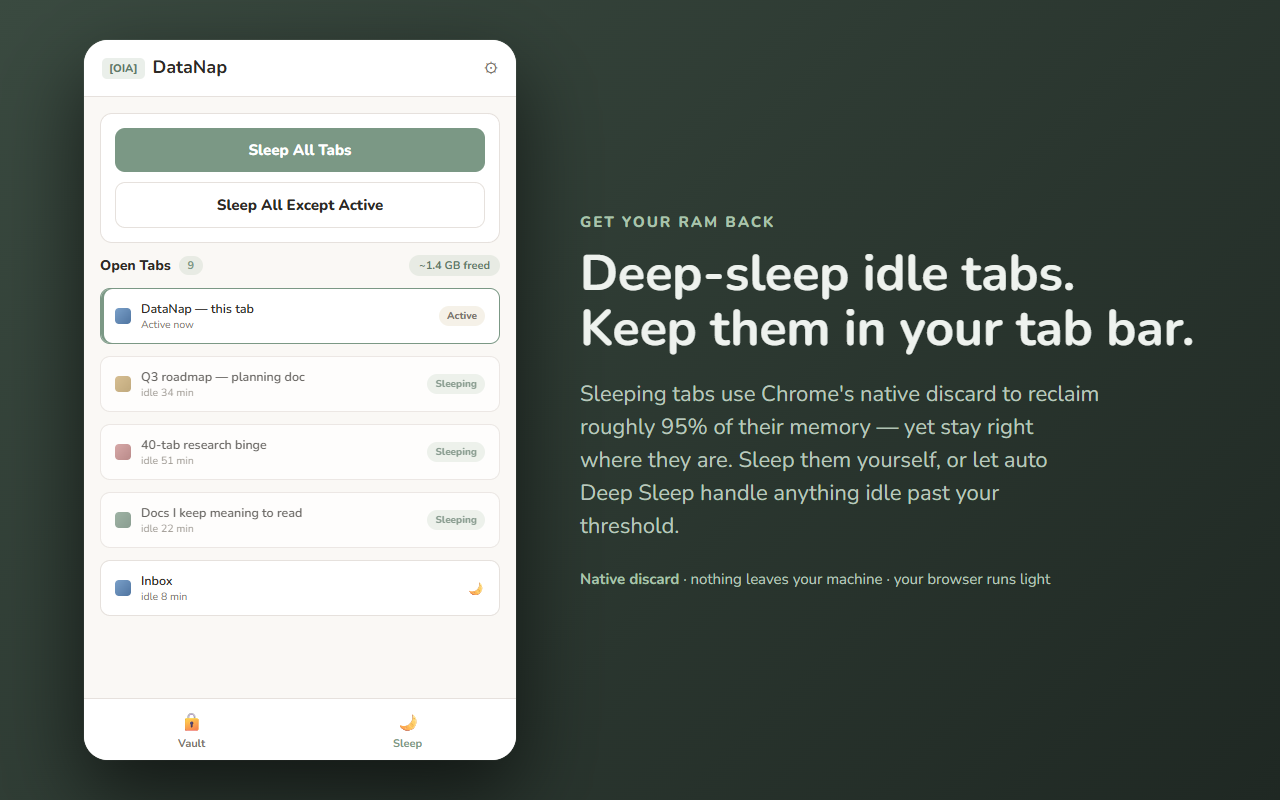
DataNap is a OneTab-style tab manager that does two things, both entirely on your device. It vaults your open tabs into a local list you can reopen one at a time or as a whole session, and it deep-sleeps idle tabs so they stop eating memory while staying right there in your tab bar. No account, no cloud, no ads, no tracking.
It runs in the Chrome side panel, on top of your normal browsing. Your vault lives only in this browser — DataNap has no server of its own and sends none of your tab data anywhere.
Most tab tools either just dump your links into a list, or only suspend tabs for memory. DataNap does both, and keeps the context: your scroll position, your session groups, and your tabs — all stored locally in this browser (IndexedDB). It's built as a reliable, low-resource take on the OneTab idea.
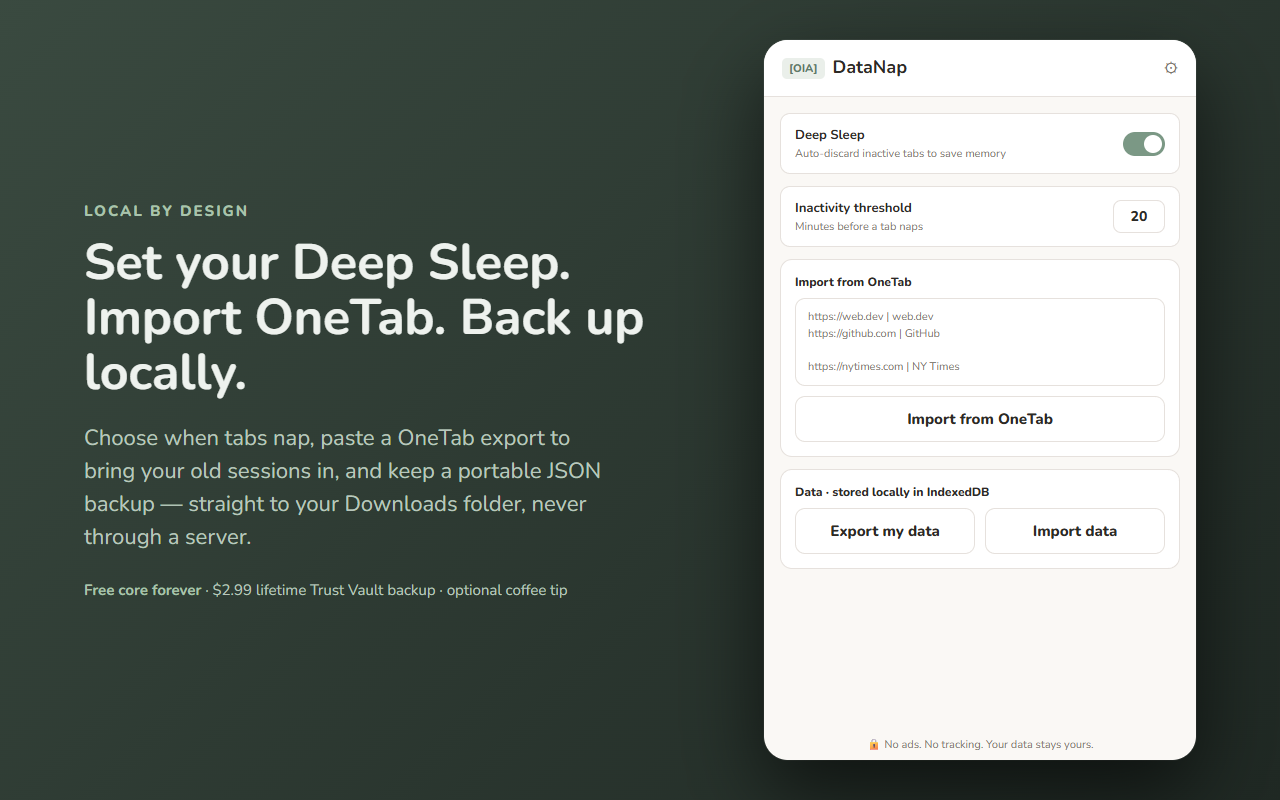
Every core feature is free: unlimited vaulting, session groups, scroll memory, Deep Sleep and auto Deep Sleep, search, OneTab import, and local backup. A single one-time unlock adds the Trust Vault "Data Backup" forever — a portable, human-readable export and import of your data straight to your Downloads folder. No subscriptions, no metering, no monthly fee.
Your vault stays in this browser (IndexedDB + chrome.storage.local). Deep Sleep uses Chrome's built-in tab discard, and the Trust Vault backup writes straight to your local Downloads folder — never through 864zeros servers. Nothing you vault ever leaves your machine. See exactly what moves in the data-flow diagram above.
Built by 864zeros — local-first, privacy-first Chrome tools.