CMC Chrome Extension
 Edge Add-on
Chrome ExtensionEdge Add-onTab Stasher — park, annotate & export your tabs
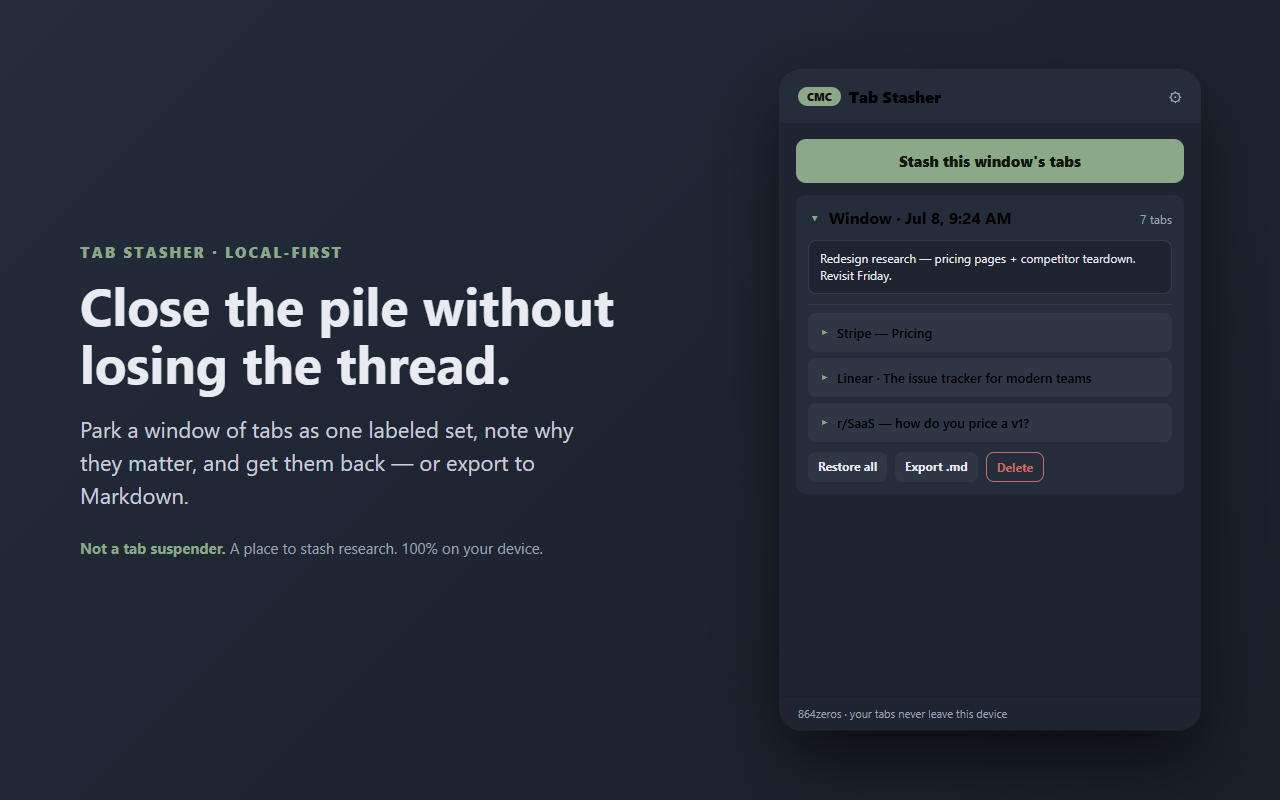
Park a window of tabs as one labeled set — annotate each, then reopen or export to Markdown. 100% local. Not a tab suspender.
Chrome ExtensionEdge Add-onPark a window of tabs as one labeled set — annotate each, then reopen or export to Markdown. 100% local. Not a tab suspender.
Close the pile of tabs without losing the thread.
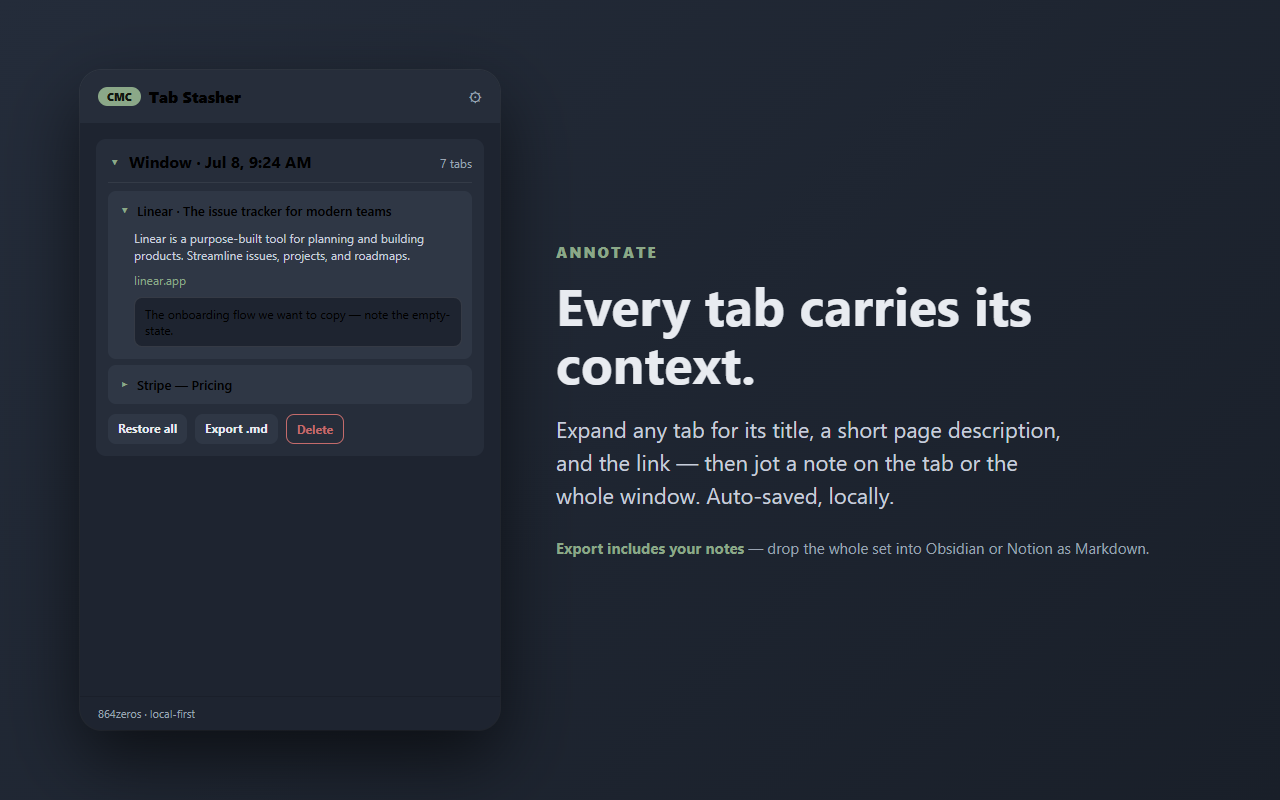
Tab Stasher parks the tabs in a browser window as one labeled set you can annotate, reopen, or export — so you can clear the clutter and still keep the context. It's not a tab suspender and it never touches your memory or closes anything on its own. You save when you want, and get your tabs back when you want.
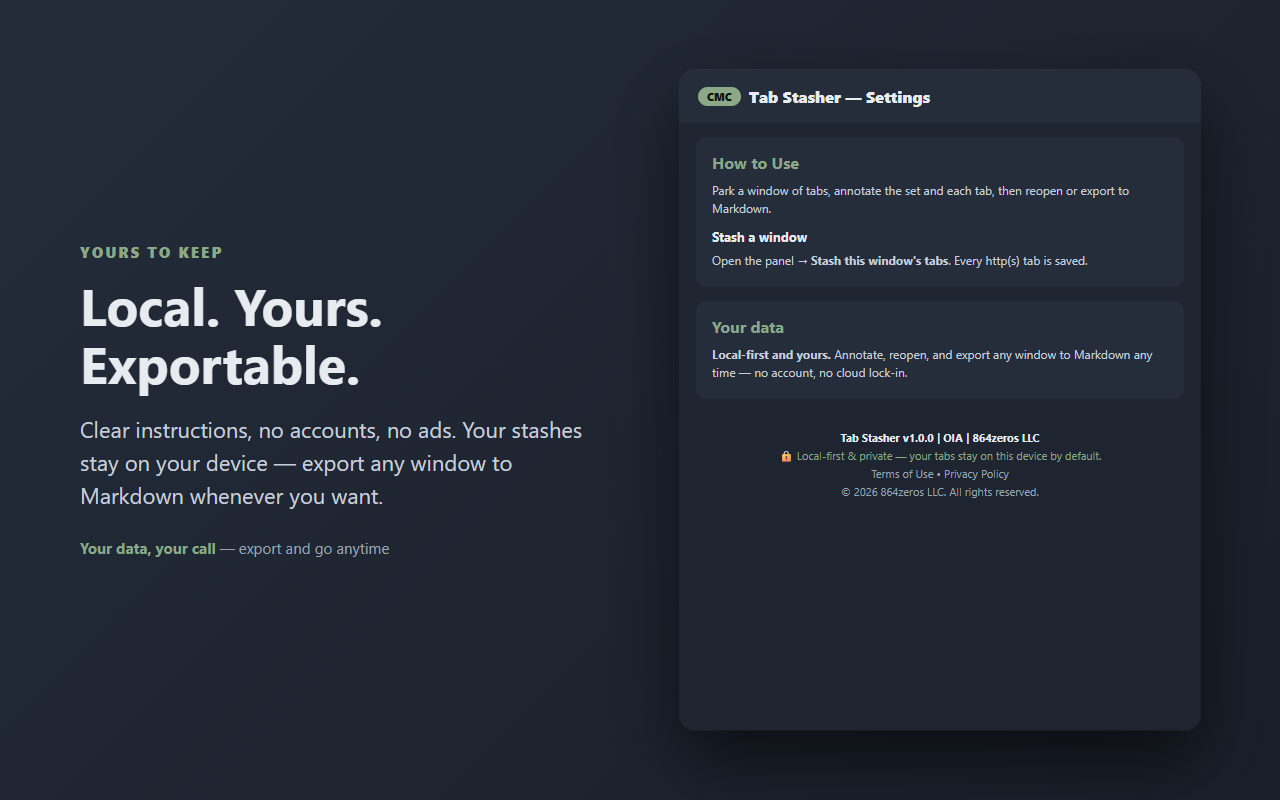
Everything stays on your device. No account, no cloud, no sync, no ads, no tracking.
Most tab tools either suspend inactive tabs to save memory, or just dump your links into a list. Tab Stasher is a session organizer: it lets you park research with context — annotate the set, then reopen or export it. Your tabs, with your notes on why they mattered.
Your stashes live only in this browser (chrome.storage.local). Tab Stasher has no server and sends nothing anywhere. It reads a page's short description once, at the moment you stash it, so each saved tab shows a useful summary — that's the only page access it uses, and it happens locally.
YOURS TO KEEP
Your stashes are yours: unlimited windows, notes, and one-click export to Markdown any time — no account and no cloud lock-in. Take your data and go whenever you want.
Built by 864zeros — local-first, privacy-first Chrome tools.