
OIA Chrome Extension
 Edge Add-on
Chrome ExtensionEdge Add-onTime2Focus
A dead-simple focus timer that lives in your browser side panel. Name your focus, pick a time, stay on track. 100% local.
Chrome ExtensionEdge Add-onA dead-simple focus timer that lives in your browser side panel. Name your focus, pick a time, stay on track. 100% local.
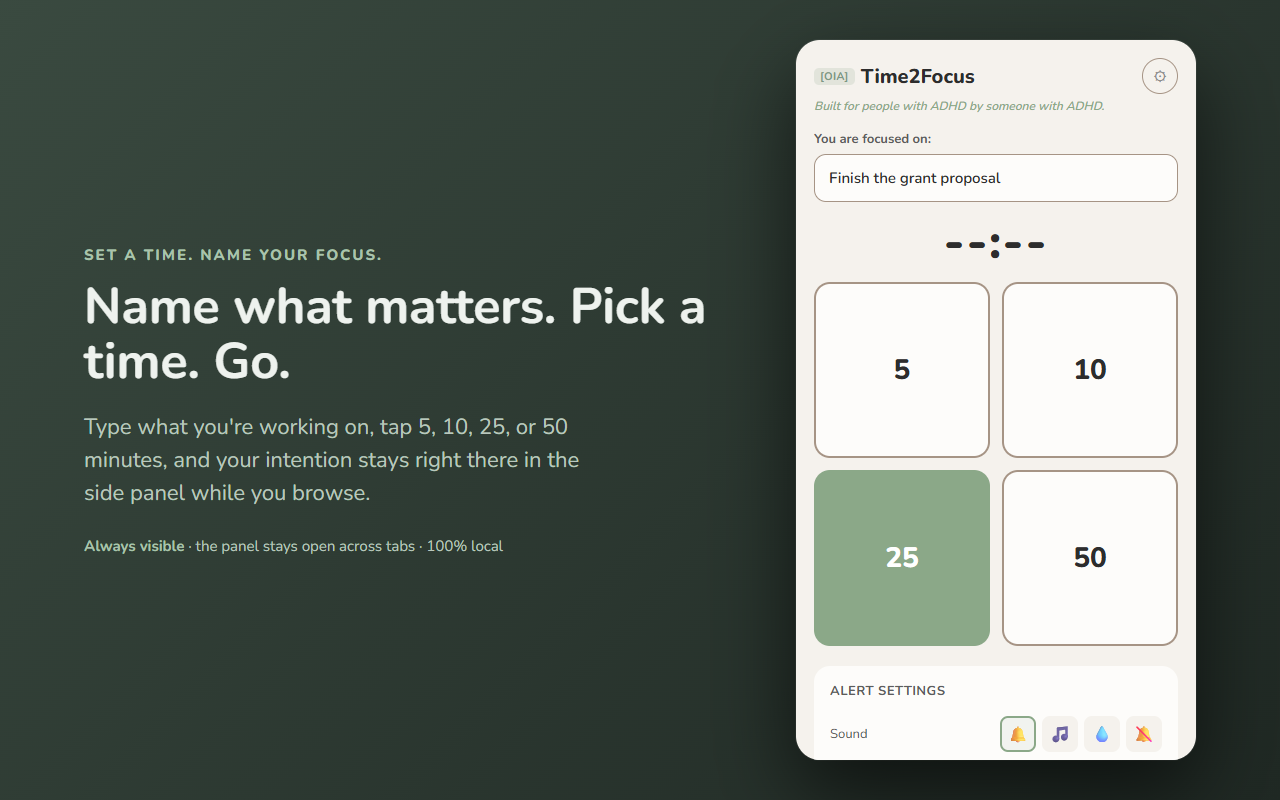
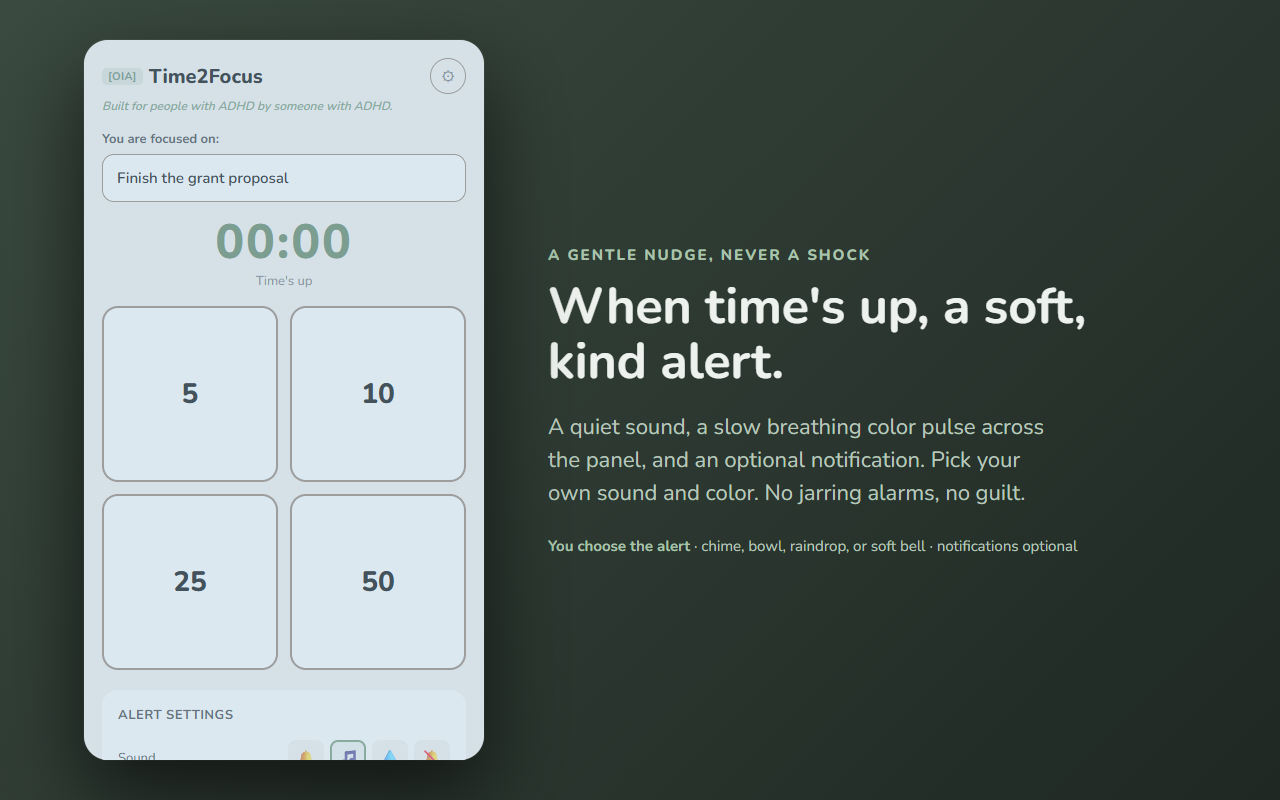
A focus timer that stays put — in your browser's side panel, not a popup that vanishes the moment you look away.
Time2Focus is deliberately small. You type what you're working on, tap a time, and a countdown runs beside your tabs. Because the side panel stays open while you browse, your intention and your remaining time are always in the corner of your eye. When you drift off (and you will), you glance over and remember what you were doing.
Built for people with ADHD by someone with ADHD. No streaks, no guilt, no nagging.
Most timer extensions are popups that disappear when you click away — and the reminder goes with them. Time2Focus stays open beside your tabs. The timer isn't really the point; keeping "what matters right now" in front of you is.
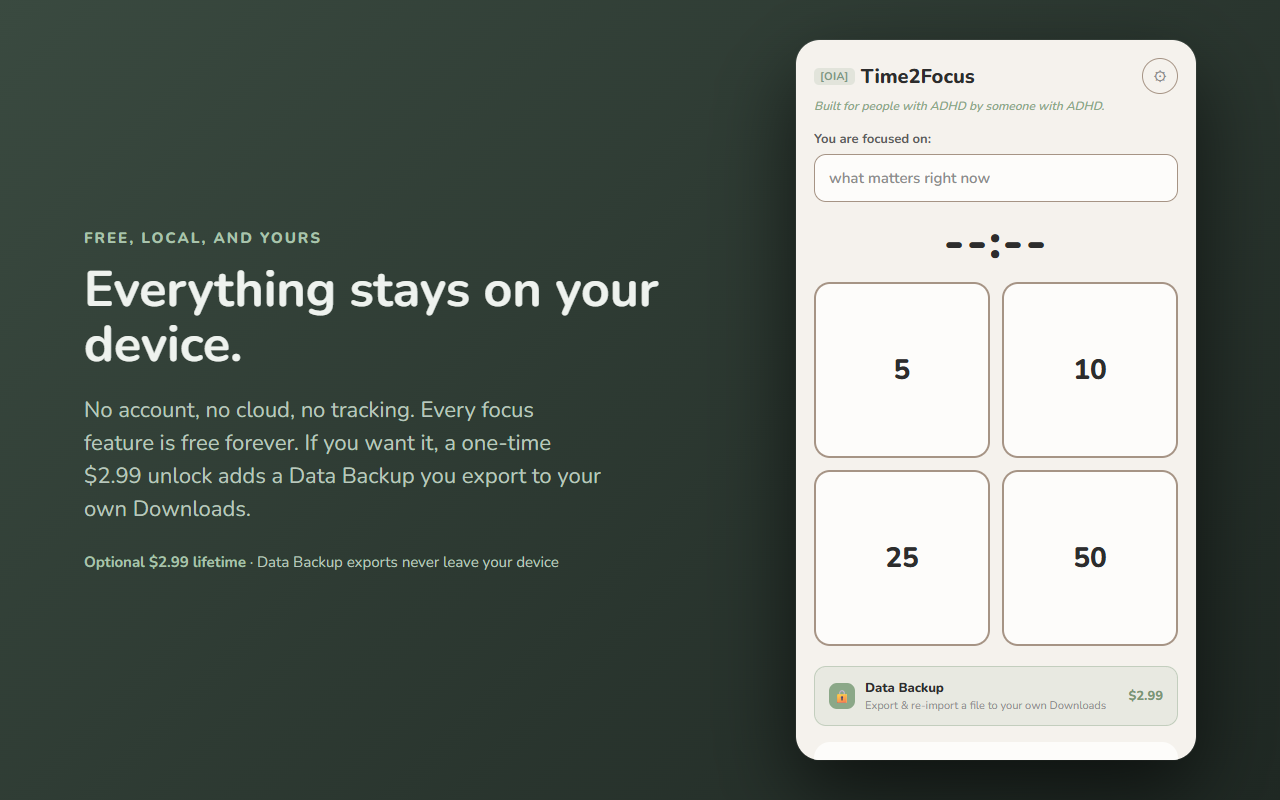
Every focus feature is free forever: unlimited timers, your focus topic, all sounds and colors, notifications. If you want it, an optional one-time lifetime unlock adds the Trust Vault — export and re-import your Time2Focus data as a portable file saved to your own Downloads folder. Optional, and the timer works exactly the same either way.
Your focus topic and settings live only in this browser (chrome.storage.local). Time2Focus has no server and sends nothing anywhere. It doesn't read your tabs, your history, or the pages you visit. The optional Trust Vault backup writes a file straight to your Downloads folder — never through our servers. See exactly what moves in the data-flow diagram above.
Built by 864zeros — local-first, privacy-first Chrome tools.